

Log in
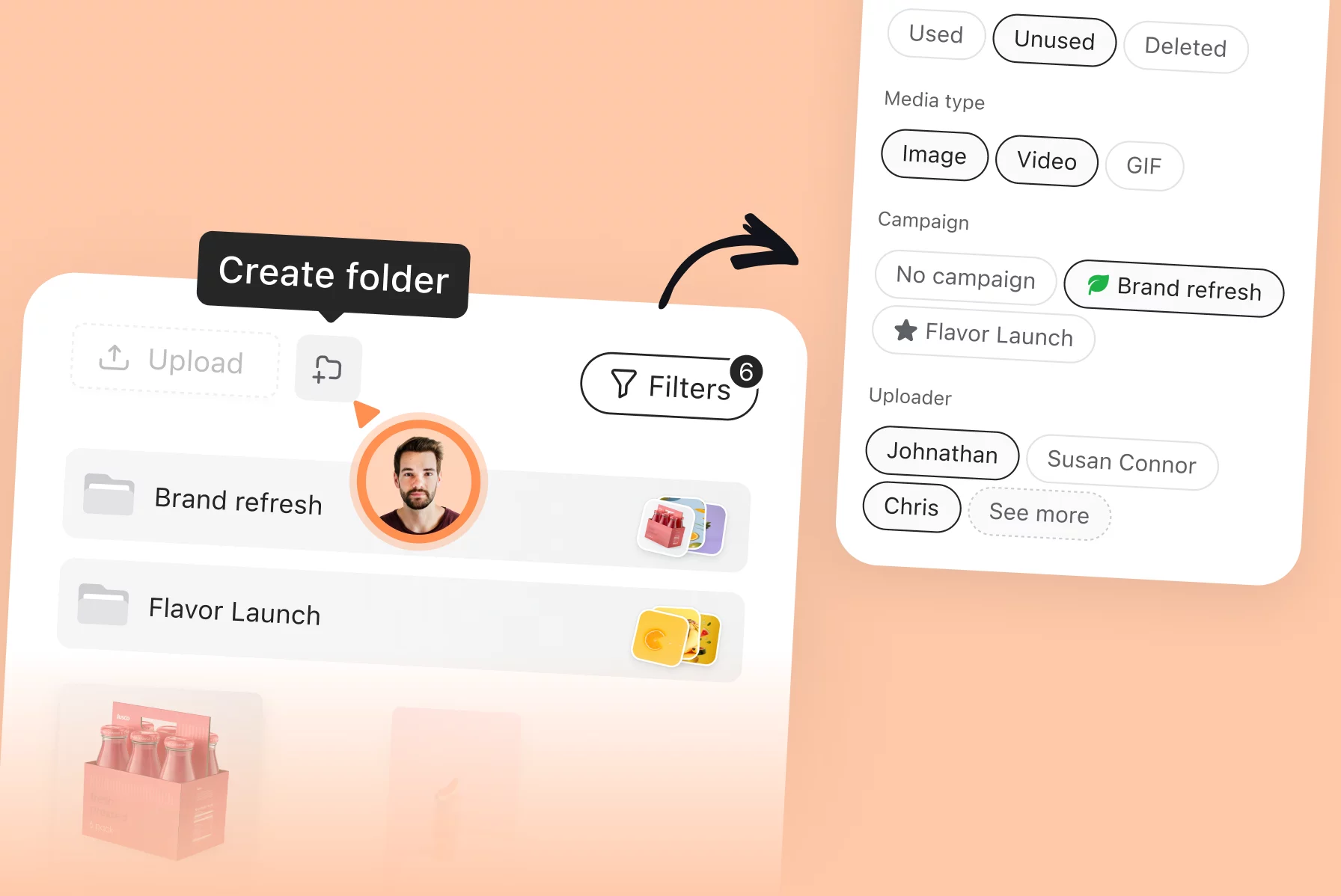
Media library: one place for the assets your team actually uses

Every social media manager has lived some version of this: A client sends a “new logo” in WhatsApp. Approved brand photos are in an old Drive folder only a few people can access. Campaign visuals arrive via a WeTransfer link that expires. It’s Thursday. The post is...

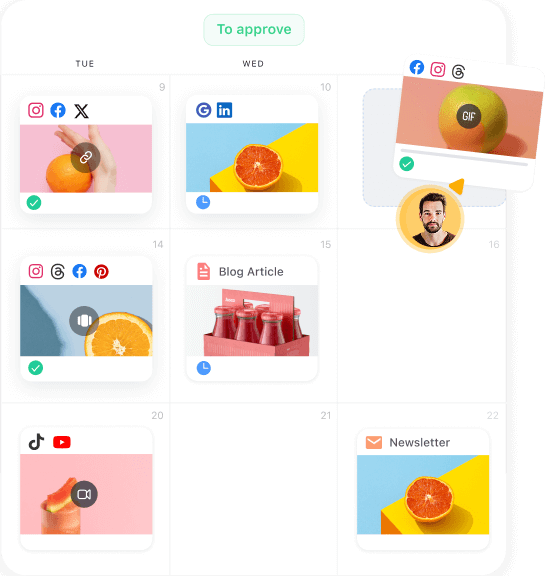
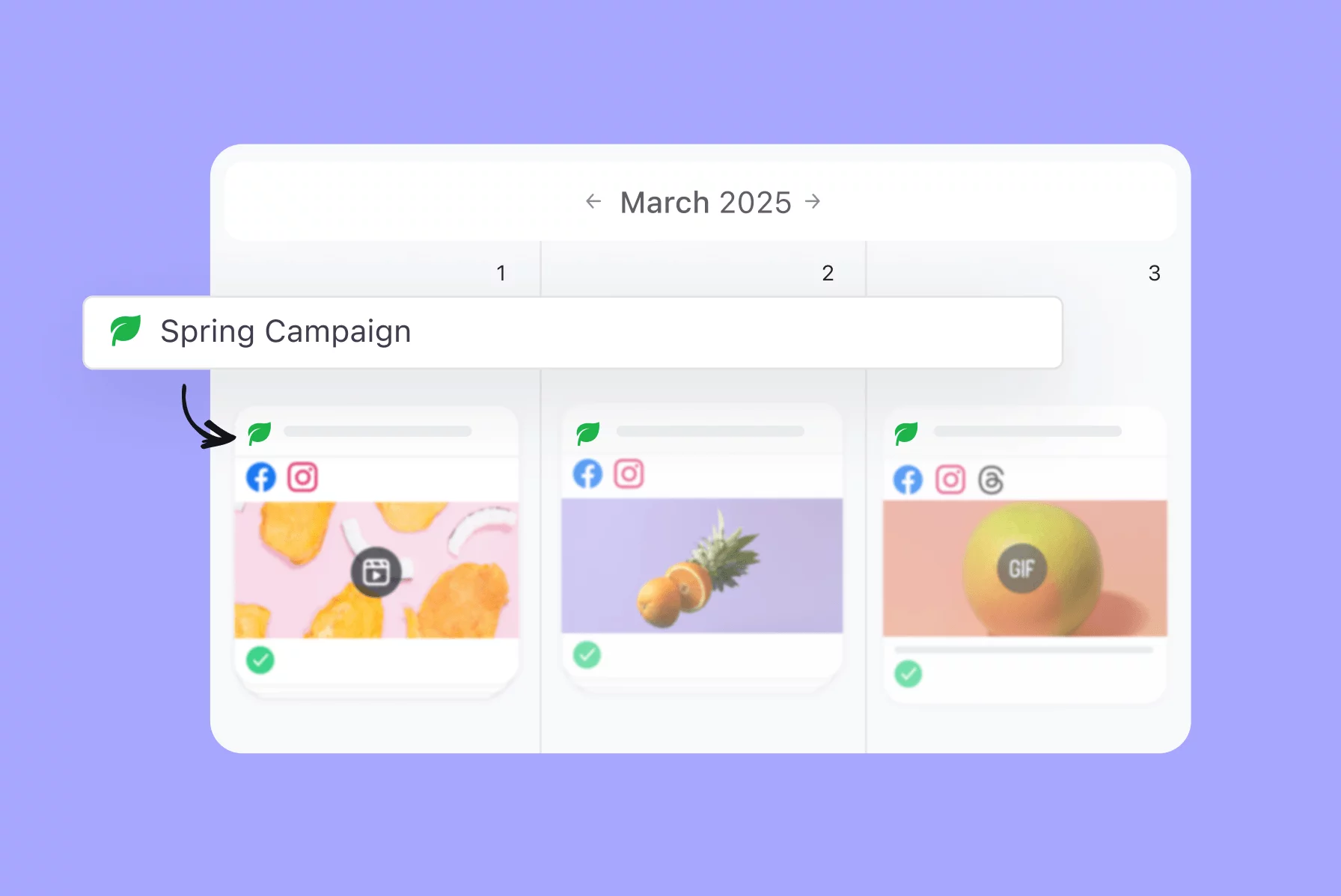
Campaigns in Planable: one place for everything a campaign needs

Running a campaign across a team often means information gets scattered: the brief in one place, assets in another, approvals in email threads, and the schedule in a spreadsheet that’s never fully up to date. Everyone is working on the same campaign, but few people...

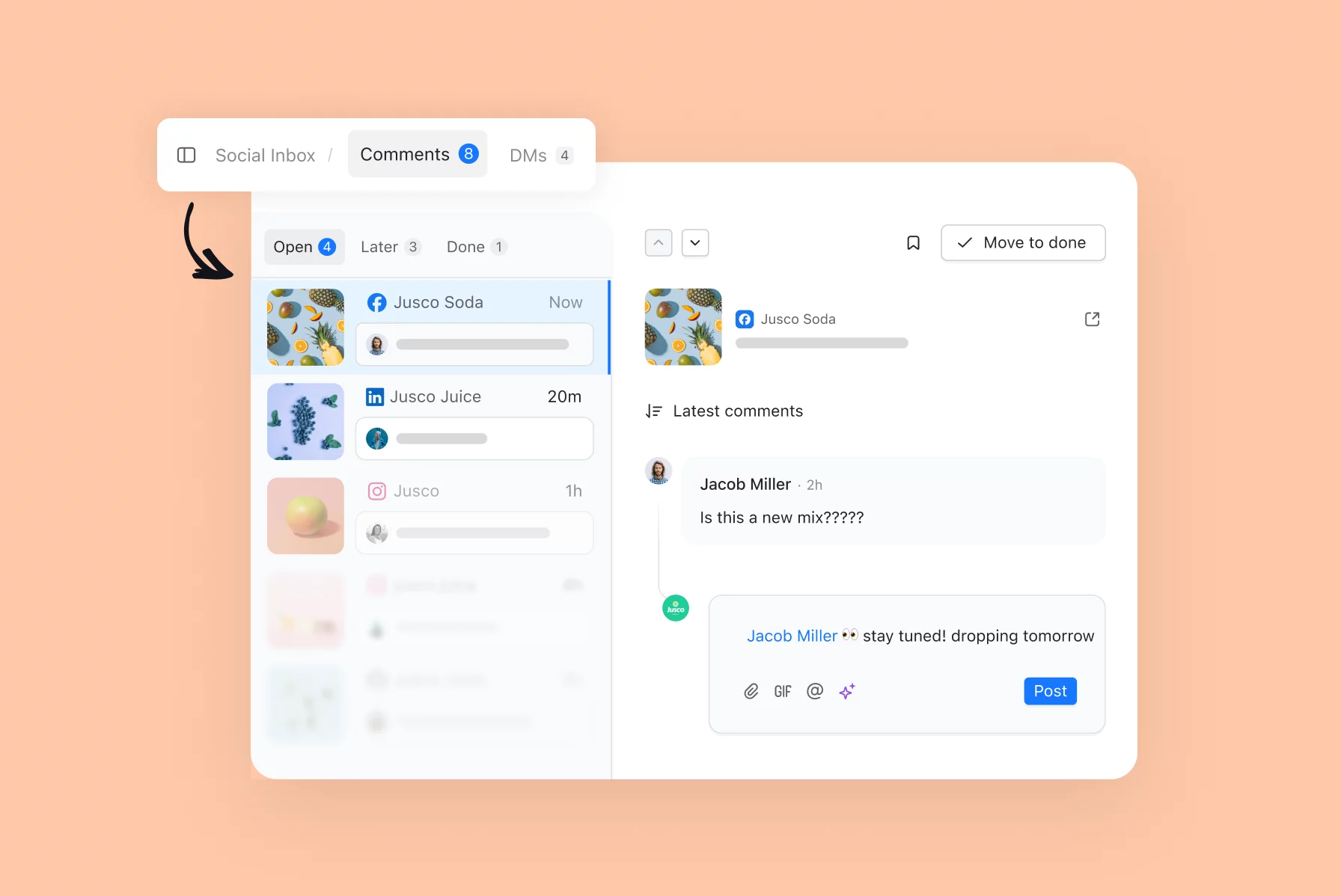
Planable x Slack: never miss an important update

If you’re an avid Slack user, you’ve surely figured out an optimal way to stay connected with your team without breaking your focus every 2 minutes. With the Planable app for Slack, you now get to keep that system for everything content too — see all your important...

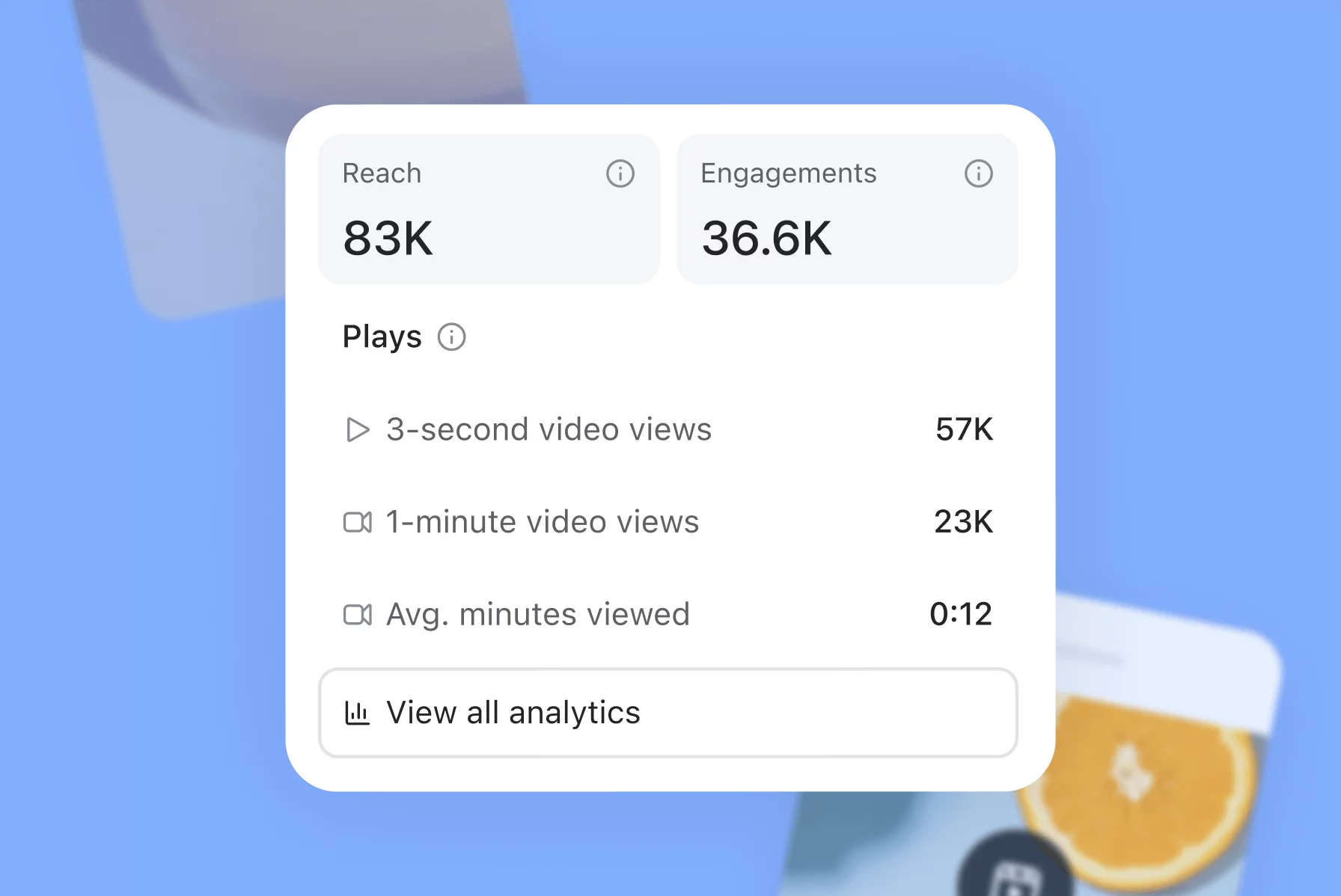
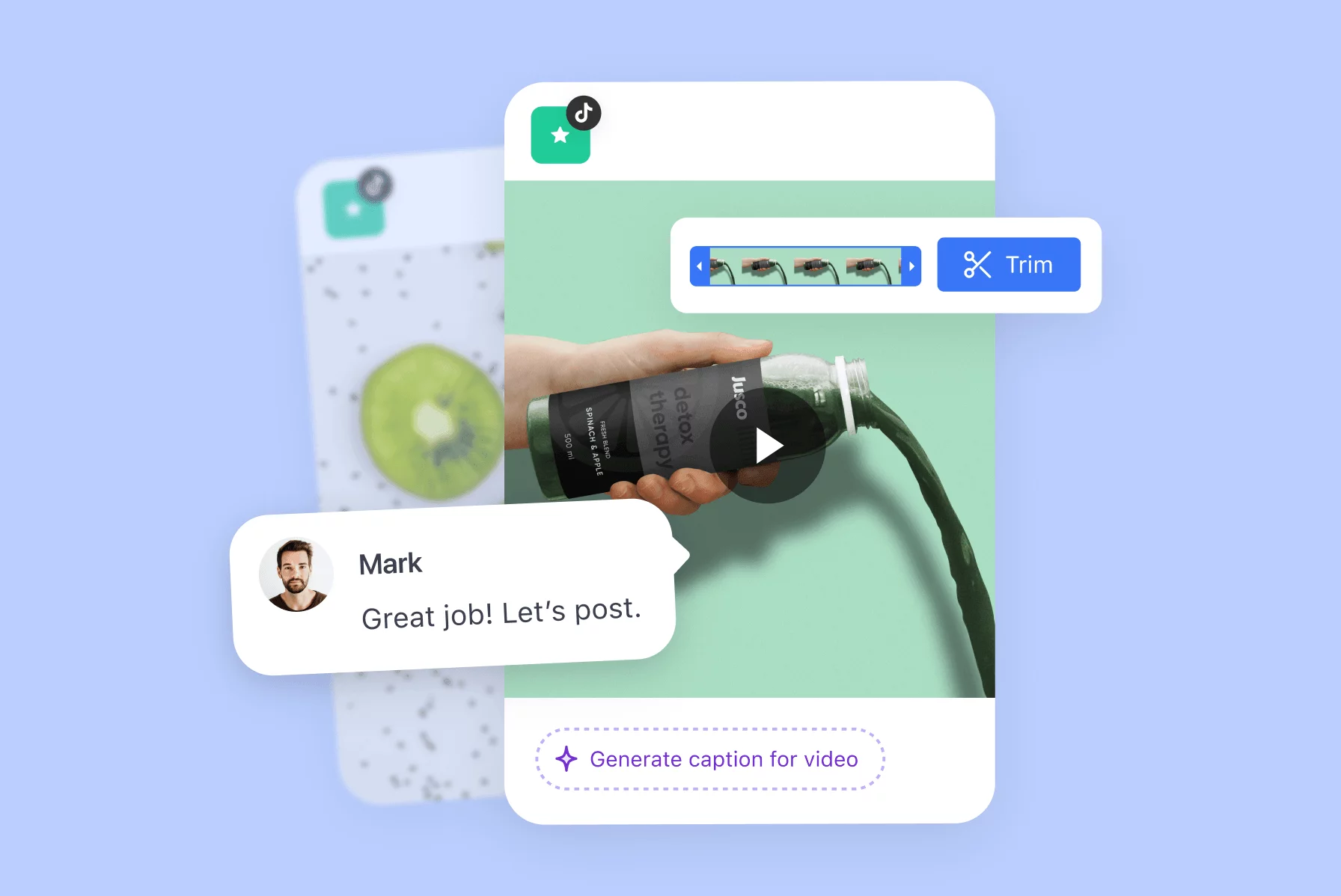
Manage all your TikTok in Planable: from ideation to analytics

Though TikTok is all about raw, unedited videos, I know success doesn't come effortlessly. It takes careful research and planning. A team to contribute wild ideas and feedback throughout the process. The thorough analysis of results to evolve the strategy. And now,...

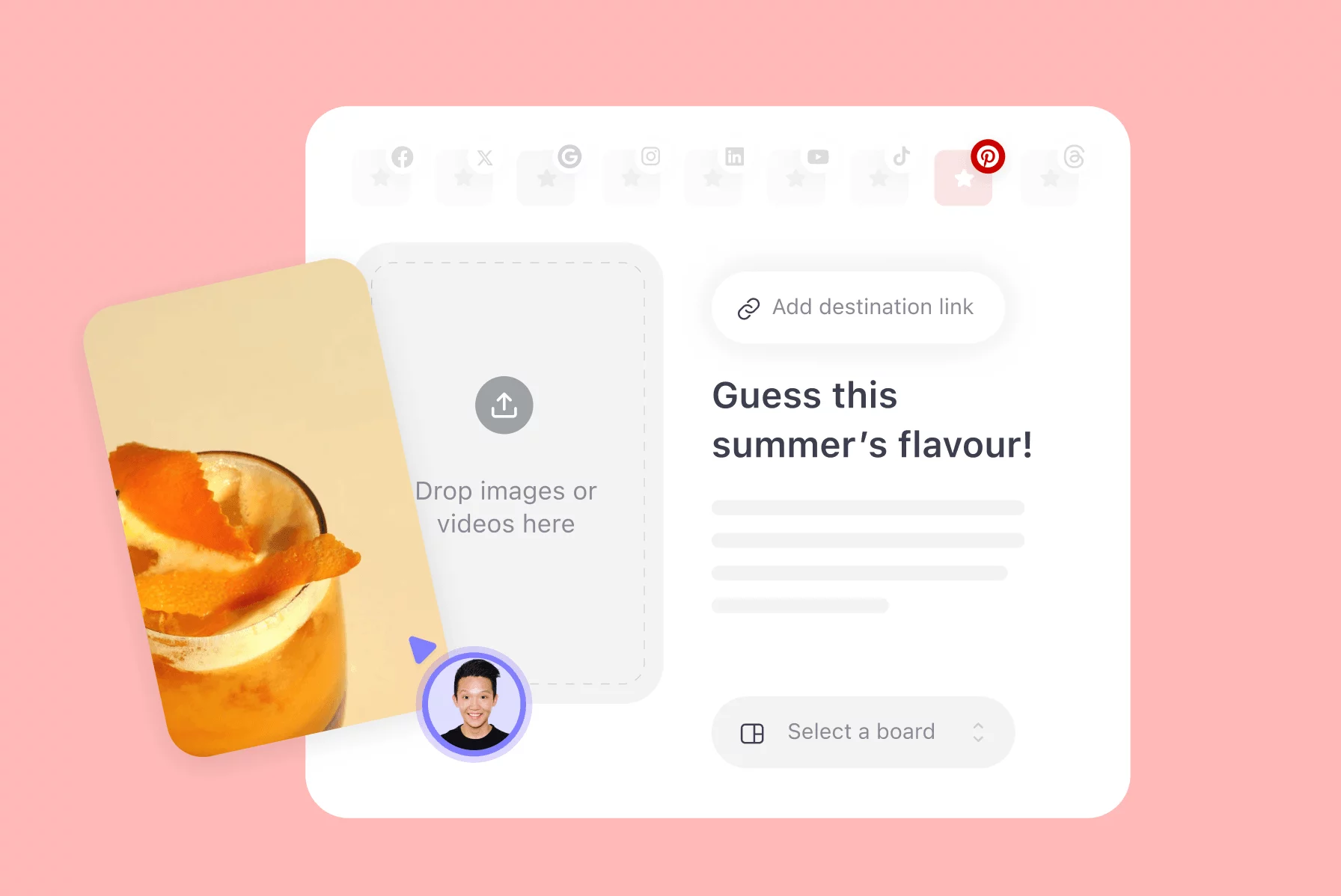
4 steps to plan your Pinterest marketing in Planable

Today, the number of social media integrations supported by Planable goes from seven to eight. We’re beyond excited to announce that you can now plan, collaborate on, approve, and schedule Pinterest posts with a few clicks in Planable. The same intuitive collaboration...

Wanna learn more
about Planable?